The Small Business Problem That Looks Like Growth
John started a small accounting firm five years ago. In the early days, he called me now and then for the usual break-fix stuff: a printer problem, a computer that would not cooperate, an email issue at the worst possible time.
Now he is in a different kind of trouble.
The firm is growing, and the old way of doing things is getting expensive. Files are in too many places. New staff need access to things nobody properly documented. Passwords are scattered. Nobody is fully sure what is backed up and what is just sitting on one computer. Rebuilding that later costs real money.
And yes, even a one-person company has IT systems. If you use email, store files, send invoices, or sign in to bank and tax portals, you already have them.
The Solution
The fix is not more shiny software. It is getting the basics under control before the mess gets bigger.
Start by putting email, files, and calendars in company-owned systems instead of personal accounts or one laptop.

A shared files view makes it easier for staff to find the right document without guessing.
Source: Microsoft Support - See files shared with you in OneDrive
Then get passwords out of people’s heads and into one place the business controls.
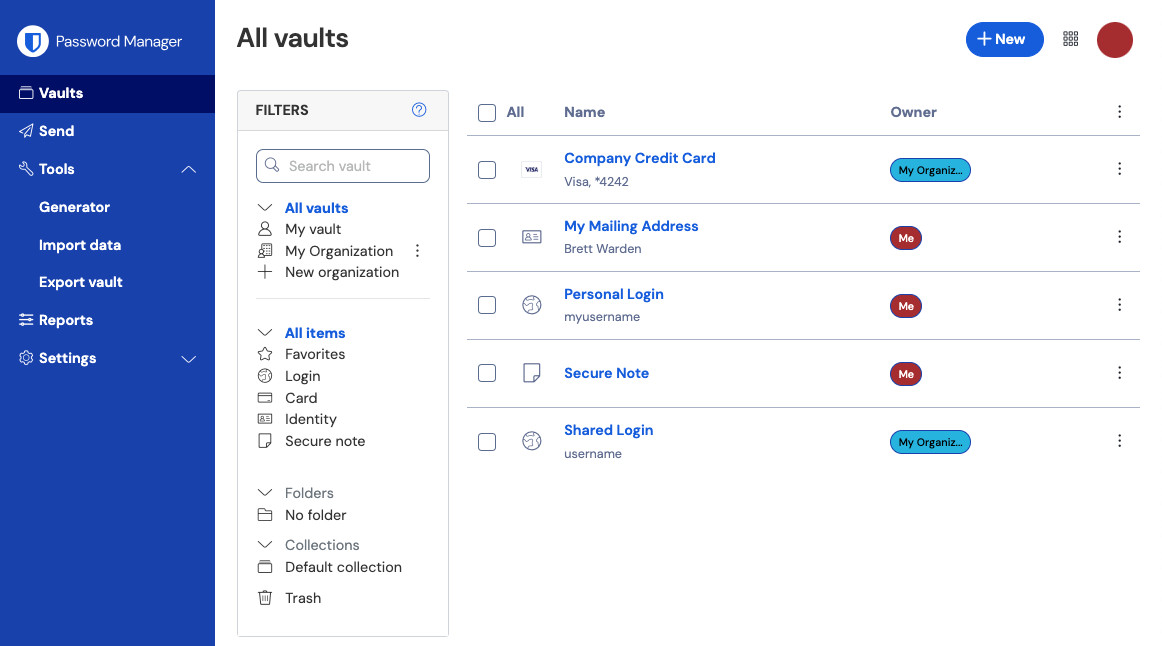
A password vault keeps business logins in one controlled place.
Source: Bitwarden Help - Password Manager Web App
Use stronger sign-in protection for email and any account that can reset access or change settings.
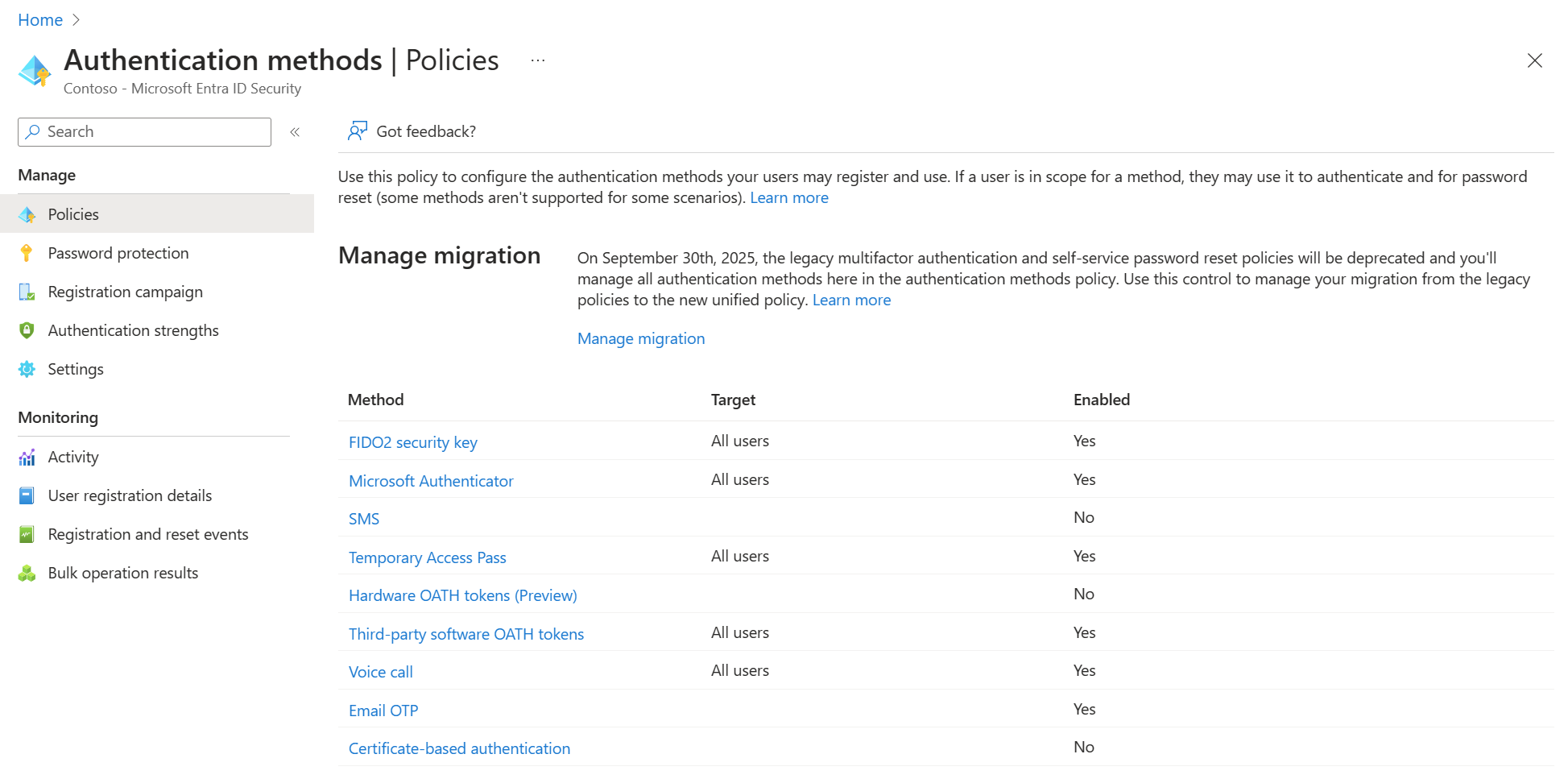
Stronger sign-in settings are worth checking first on the accounts that matter most.
Source: Microsoft Learn - Manage authentication methods
Finally, make sure backup is real. Not “probably.” Real.
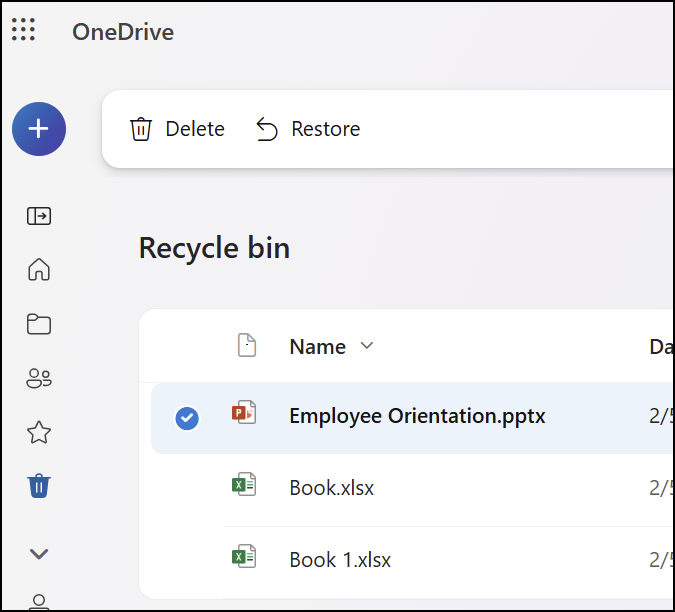
A restore screen is useful because a backup only matters if you can get files back.
Source: Microsoft Support - Restore deleted files or folders in OneDrive
Also keep a separate higher-permission account for important changes, and write down a simple checklist for setting up new staff.
When This Works
This works best when the business is still small enough to clean up without turning it into a full project. One to five people is usually the right time.
When This Does Not
This does not replace ongoing support. If nobody is checking security, backups, and account access regularly, problems can still slip through.
Bottom Line
John’s problem was not growth. It was that the business outgrew its setup.
That happens all the time. The earlier you clean up email, files, passwords, sign-ins, and backup, the less painful growth gets.
Ask AI This
“Help me check whether my small business setup is going to cause problems as we grow. Ask me simple questions, one at a time, about email, files, passwords, sign-in security, backup, and how new staff get set up. Then tell me what I should fix first in plain English.”